Smart Home for Beginners: Where to Start Without Overspending
Build a useful, secure smart home by choosing practical devices first, checking compatibility, and resisting the urge to automate everything.
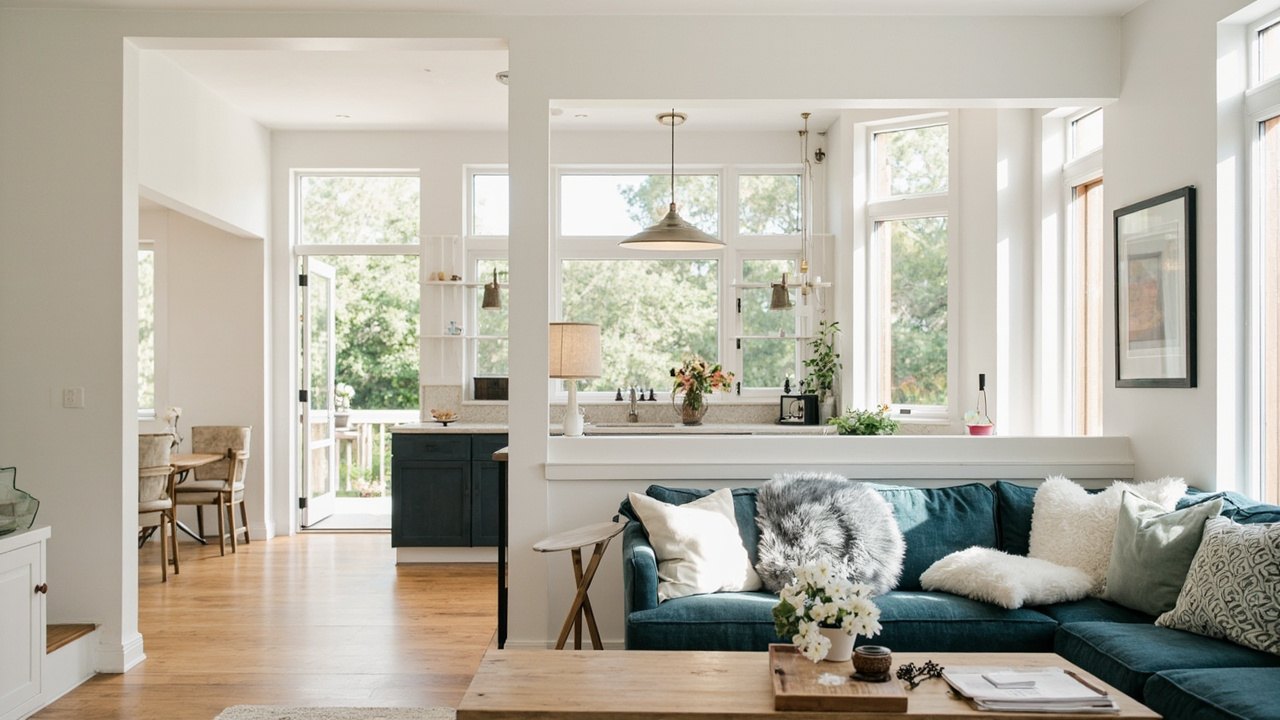
The smartest place to begin is with a small set of devices that solve an everyday problem, such as lighting, temperature control, or knowing who is at the door. Focus on reliable equipment that works with what you already own, rather than buying every new gadget that catches your attention.
The short version
- Start with one high-use device, such as a bulb or plug.
- Check compatibility before buying and secure every account.
- Add automation only after the basics work well.
Start with smart bulbs and plugs
Smart bulbs are often the easiest first purchase because they replace ordinary bulbs without changing wiring or requiring a new appliance. They are useful in rooms where you want to schedule lights, turn them on remotely, or group several bulbs into a scene. Begin with one lamp or a single room so you can learn the controls without creating a complicated setup.
Look for bulbs that offer the features you will actually use, such as dimming, adjustable white light, schedules, or voice control. Color-changing bulbs can be entertaining, but they are not essential for most homes. If several people use the same room, make sure the physical switch still behaves in a way that does not confuse everyone.
Smart plugs are another practical starting point. Plug in a lamp, fan, or other simple device and you can schedule it or switch it from an app. They can also help you determine whether you enjoy smart-home control before you invest in more specialized equipment. Avoid using a plug for an appliance that draws substantial power, and do not treat it as a substitute for a dedicated smart switch.
A good first project is a schedule for a few lights or a plug that turns off a lamp you often forget. Keep the automation simple. If it works reliably for a week or two, you can add another device with confidence.
Choose a thermostat for comfort and energy awareness
A smart thermostat can be more useful than a collection of small gadgets because it affects the whole home. It can adjust heating and cooling based on schedules, show when the system is operating, and provide information about your indoor environment. Many people find that a consistent schedule and occasional manual adjustments are more valuable than elaborate occupancy features.
Before buying, check whether the thermostat is compatible with your heating and cooling equipment. Some homes have multiple stages, heat pumps, or separate systems, and compatibility can involve more than simply matching the number of wires. Look for clear installation instructions and, if needed, ask a qualified installer to confirm the setup.
Set a comfortable schedule before you leave the device running for weeks. Begin with a recurring plan for weekdays and weekends, then make small changes based on how the house feels. Being able to see the current temperature and make a quick adjustment from your phone is a practical benefit even if you rarely use automated schedules.
Pay attention to privacy and account settings from the start, especially if the thermostat can use a microphone or share occupancy information. Disable unneeded features, review connected household accounts, and make sure you understand what information the device collects. A thermostat should make your home more comfortable, not introduce a stream of notifications.
Add a video doorbell for awareness, not constant surveillance
A video doorbell is useful when you want to see visitors, communicate with someone at the door, or check deliveries without opening the door. The most helpful feature may not be the camera at all; it may be the ability to answer a knock or chime from elsewhere in the house.
Compare the basic functions carefully. Look for clear video, dependable motion alerts, two-way audio if you want conversation, and a way to view activity without digging through a long recording history. Consider how the chime connects, whether it supports your existing doorbell wiring, and whether the app works reliably when your phone is not nearby.
Placement matters. Mount the camera where you can see visitors without capturing too much of the street, and avoid pointing it into neighboring windows or private areas. If the device offers a privacy shutter or status light, use it. Test the motion detection during different times of day so that passing cars, trees, and shadows do not create a flood of alerts.
Decide in advance how long you want recordings to remain available and who in the household may view them. If you rent, check whether your landlord or building rules restrict doorbell cameras. For many households, a doorbell is best added after bulbs, plugs, or a thermostat are working smoothly.
Understand compatibility before you buy
Compatibility is the simplest way to avoid a smart home that feels frustrating. Before purchasing any device, check three things: the home’s existing ecosystem, the type of home network, and whether the device can communicate with the app or hub you plan to use. A device may work beautifully on its own but be difficult to control alongside everything else.
Some products communicate through Wi-Fi, while others use Bluetooth, Zigbee, Z-Wave, or another standard. Many newer devices support Matter, an industry standard designed to help products work across different ecosystems, but support can still vary by feature. Do not assume that a label on the box guarantees every function will work with every platform.
Choose one reliable app or voice assistant as your main control point if you can. This reduces confusion, but keep a backup method when practical, such as a physical switch for lights or a local display for temperature. If you use voice control, test the device with the exact commands you would naturally speak. Names and room labels are often the difference between a command that works and one that never runs.
Pay attention to network coverage as well. Place a hub centrally and away from obstructions, rather than tucking it into a crowded cabinet or behind a television. Keep your home Wi-Fi password secure, use a separate password for the smart-home network when your router supports it, and update the router and connected devices when updates are available.
Make privacy and security part of setup
Smart devices collect information because convenience often depends on knowing what is happening at home. Cameras, microphones, locks, thermostats, and plugs may store data, communicate with cloud services, or reveal patterns of your daily routine. Review the permission and sharing settings before you place a device in a private room.
Start with strong, unique passwords for the app, your home network, and any linked accounts. Turn on multifactor authentication where it is offered. Avoid sharing full account access with guests or visitors; use limited household or guest access instead. If family members can see alerts or recordings, make sure everyone knows who has permission and how to change it.
Look for automatic security updates and turn them on. Update the phone app, hub software, and individual devices regularly, especially after setting them up. Review connected applications periodically and remove access you no longer need. When you sell, give away, or replace a device, delete it from the account and reset it to factory settings before disposing of it.
Do not place a camera where it records sensitive conversations, bedrooms, or the inside of a neighbor’s property. Use the narrowest field of view that still solves the problem. If a device offers a physical privacy control, treat it as a useful habit rather than something to configure once and forget.
Avoid gadget clutter with a simple buying rule
The easiest way to overspend is to measure success by the number of devices in the home. A more useful measure is whether a device removes a recurring annoyance: forgetting a light, arriving to an uncomfortable house, or missing a visitor at the door.
Keep a short list of problems you want to solve, and wait a few days before buying a solution for each one. During that time, note how often you would actually use the feature. A schedule that you change every day may be useful; a sensor that produces alerts you routinely ignore probably is not.
Prefer a device that improves an existing routine over one that creates a new one. Bulbs and plugs are good because they work with ordinary lamps and appliances. A thermostat is worthwhile when it provides consistent comfort. A doorbell makes sense when you regularly need to identify visitors or communicate with someone outside.
Add automation gradually. First make sure each device works manually, then connect it to a schedule, and only afterward combine devices into routines. Label controls in a way other people can understand, and leave room for visitors who do not have the app. A smart home should feel simpler, not like a household project that requires constant troubleshooting.
Frequently asked questions
Do I need to buy a hub to build a smart home?
Not necessarily. Some bulbs, plugs, thermostats, and doorbells can be controlled directly through a phone app or a voice assistant. A hub becomes useful when you use devices that require a central coordinator, when you want broader local control, or when you want to manage many devices more easily.
Should I choose one brand or mix different devices?
A single ecosystem can be simpler because the devices may share an app and automate together. Mixing brands can give you more choice, but check compatibility carefully and expect more separate controls. The right choice depends on your existing equipment and how much complexity you are willing to manage.
Is it safe to install a smart device yourself?
Simple bulbs and plugs are generally straightforward, while thermostats, wiring changes, and some doorbell installations may require care or professional help. Follow the manufacturer’s instructions, turn off power before touching wiring, and stop if the setup does not match what you expected. A qualified installer is a sensible safeguard when the instructions are unclear.
Start with one useful device, make its settings secure, and give it time to fit your routine. The best smart home is not the most automated one; it is the one that quietly makes everyday life easier while giving you control over your privacy and your budget.